


4.9/5 Exzellent

from cologne with love

female founded
Geprüfte Qualität
NEW IN
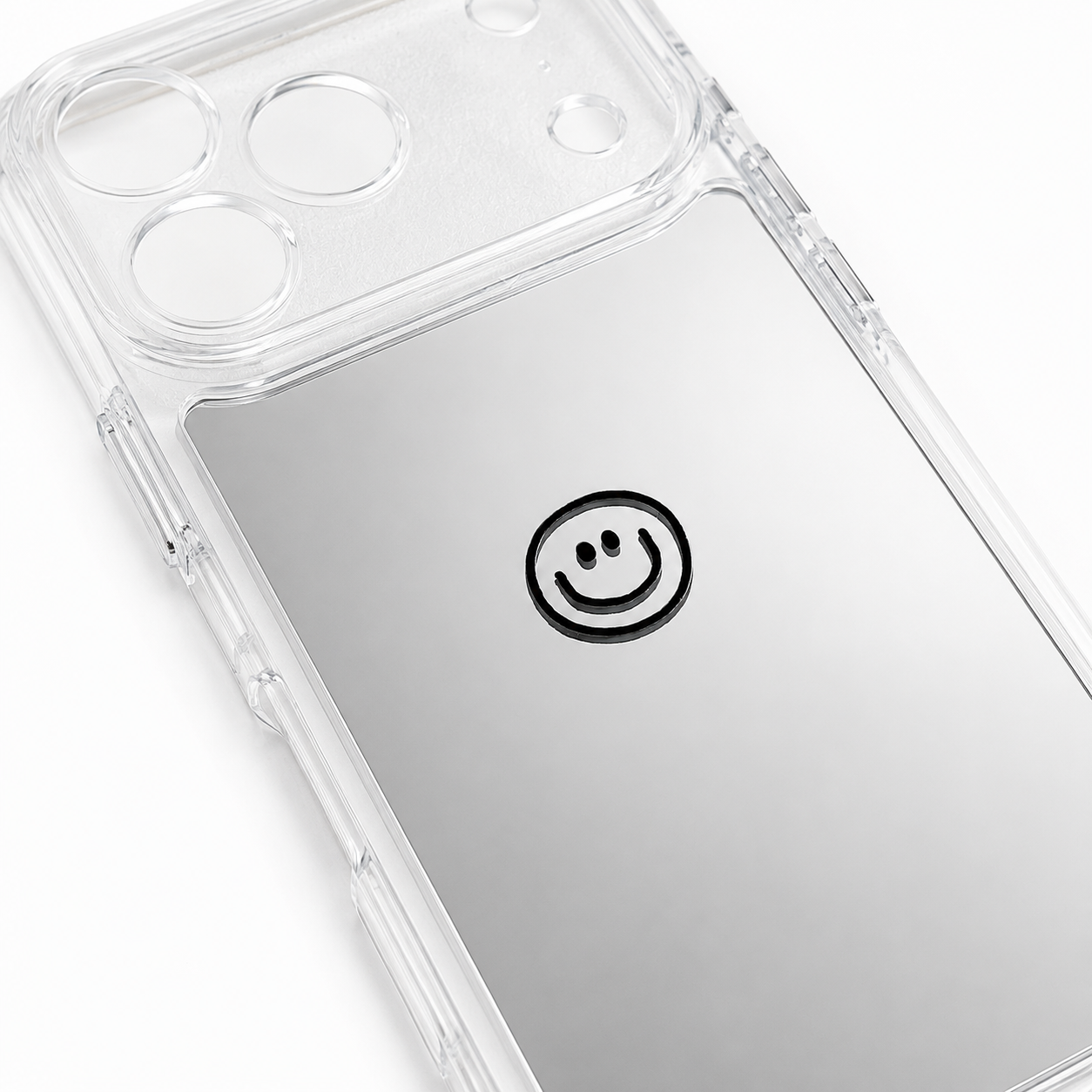
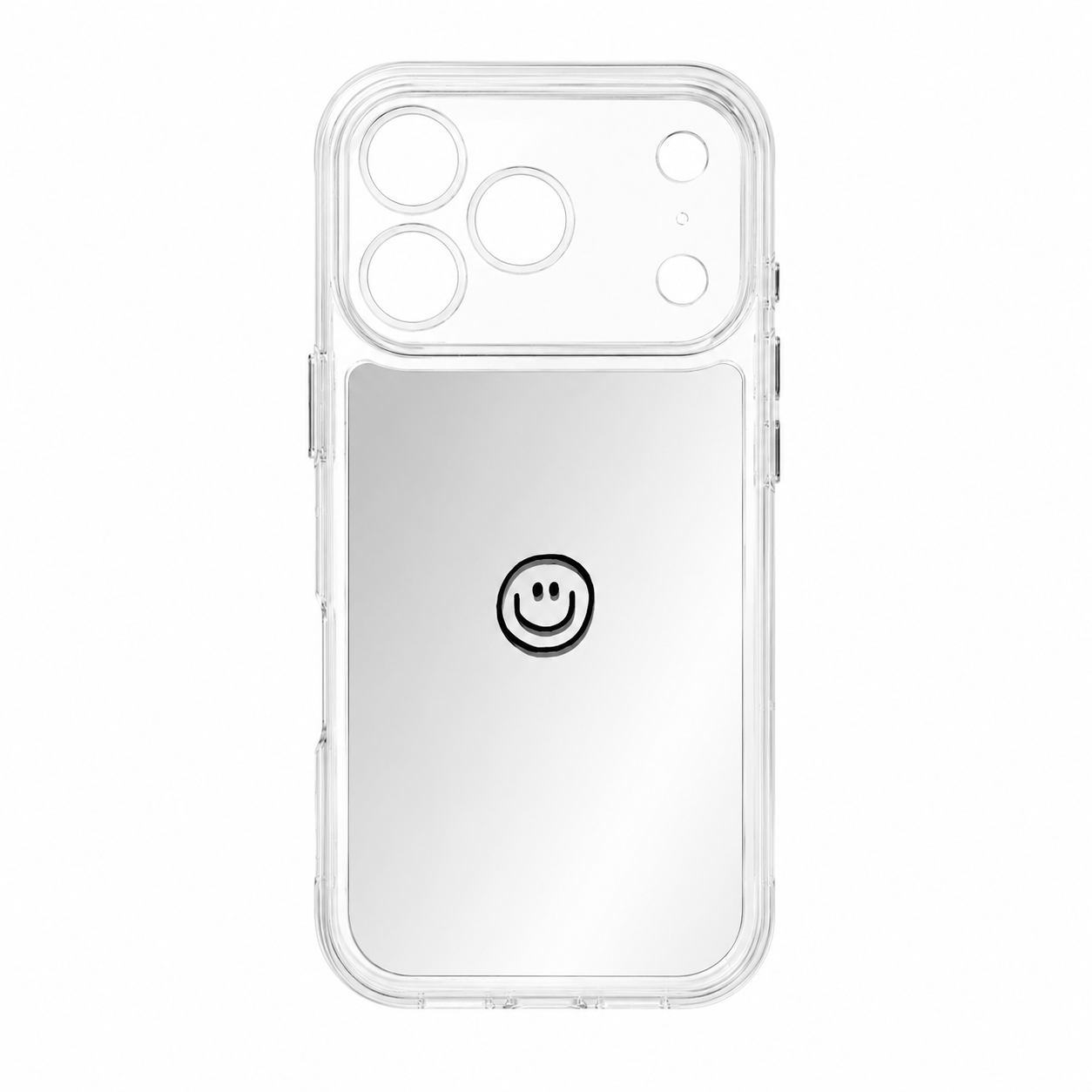


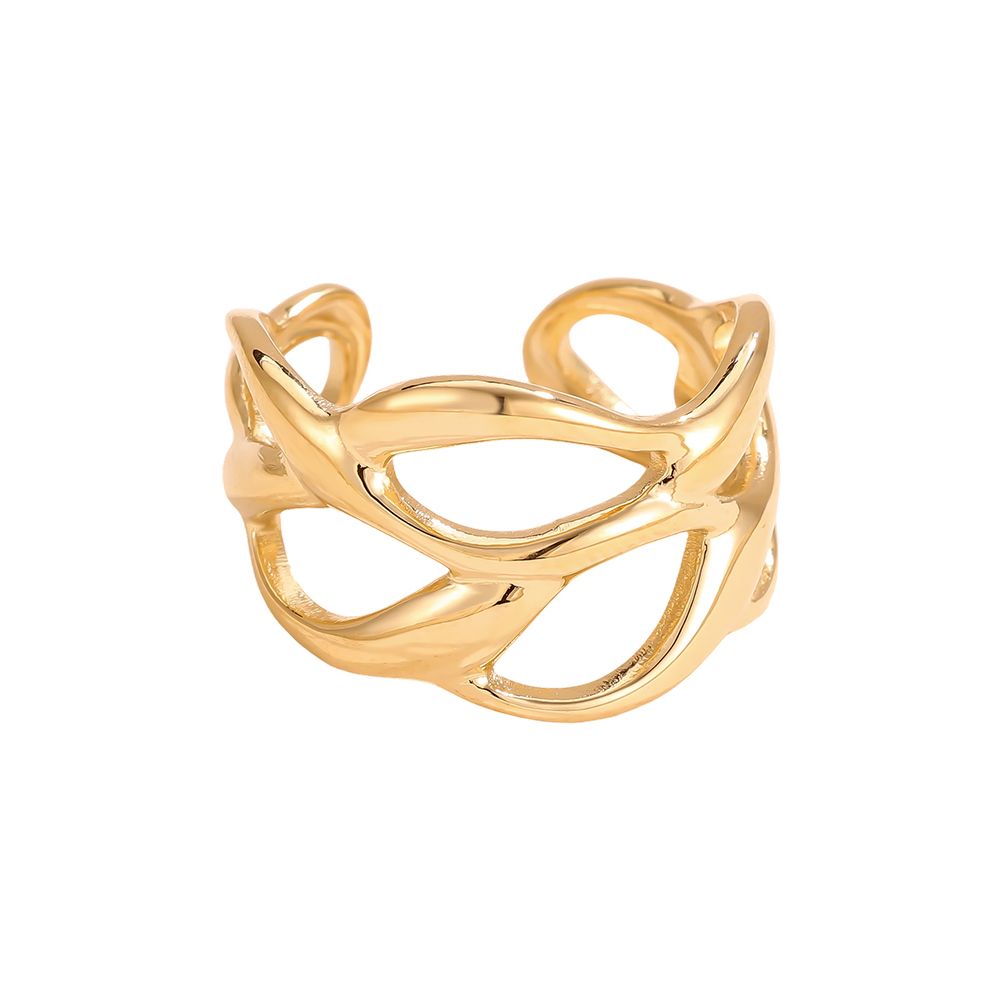
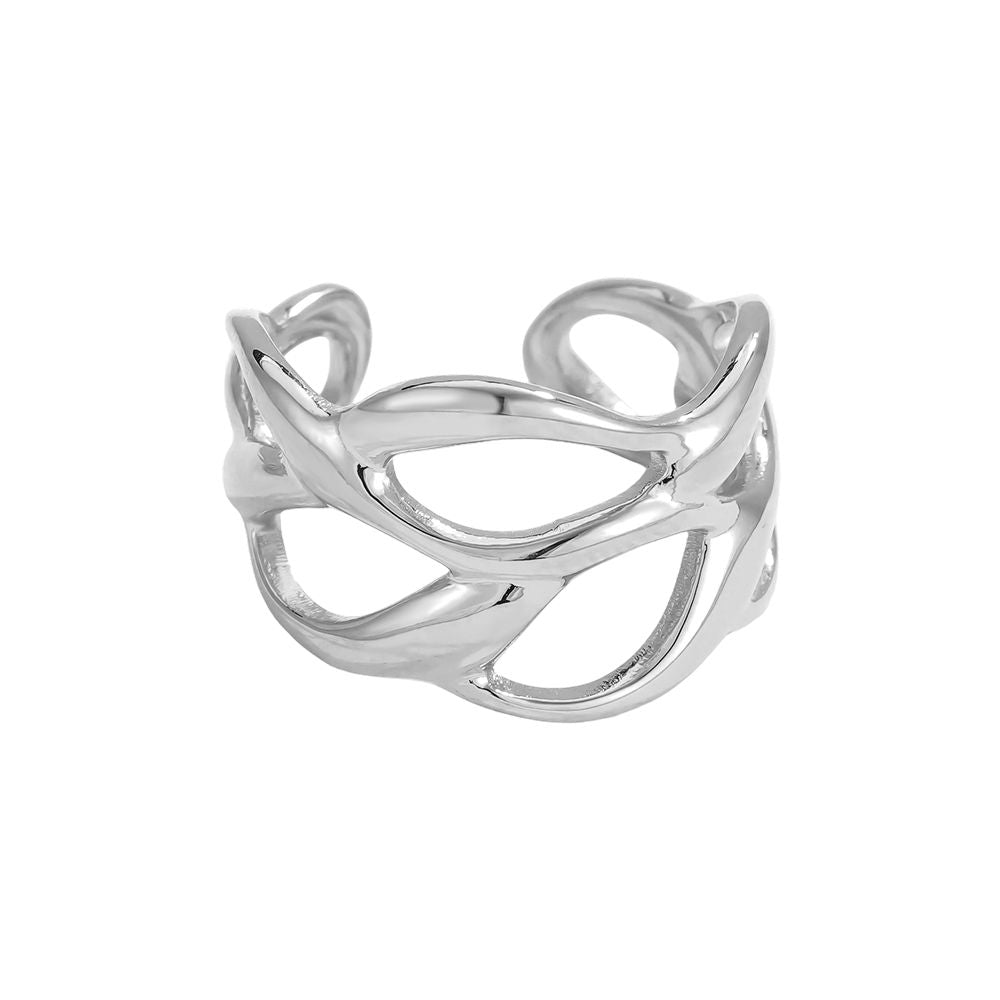


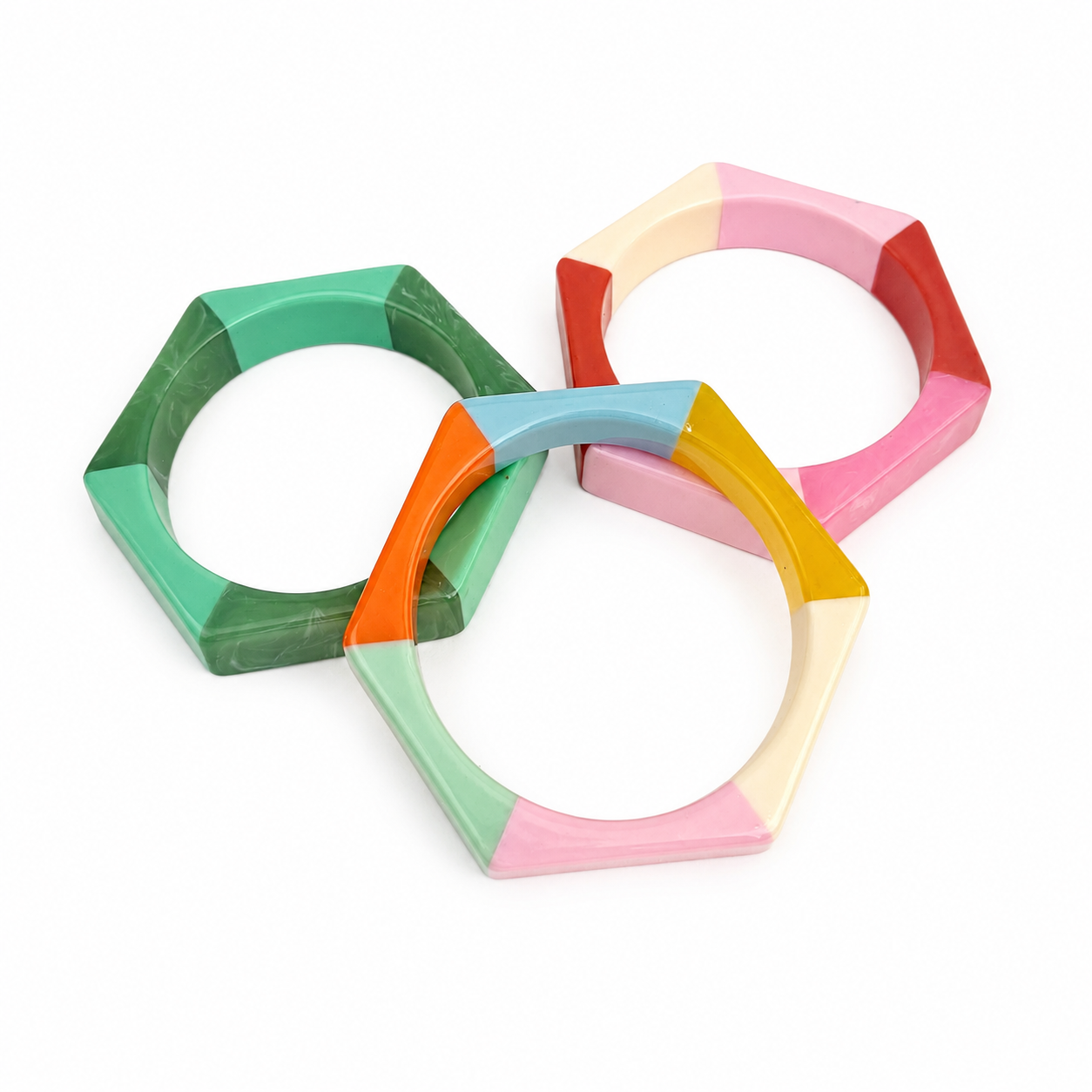
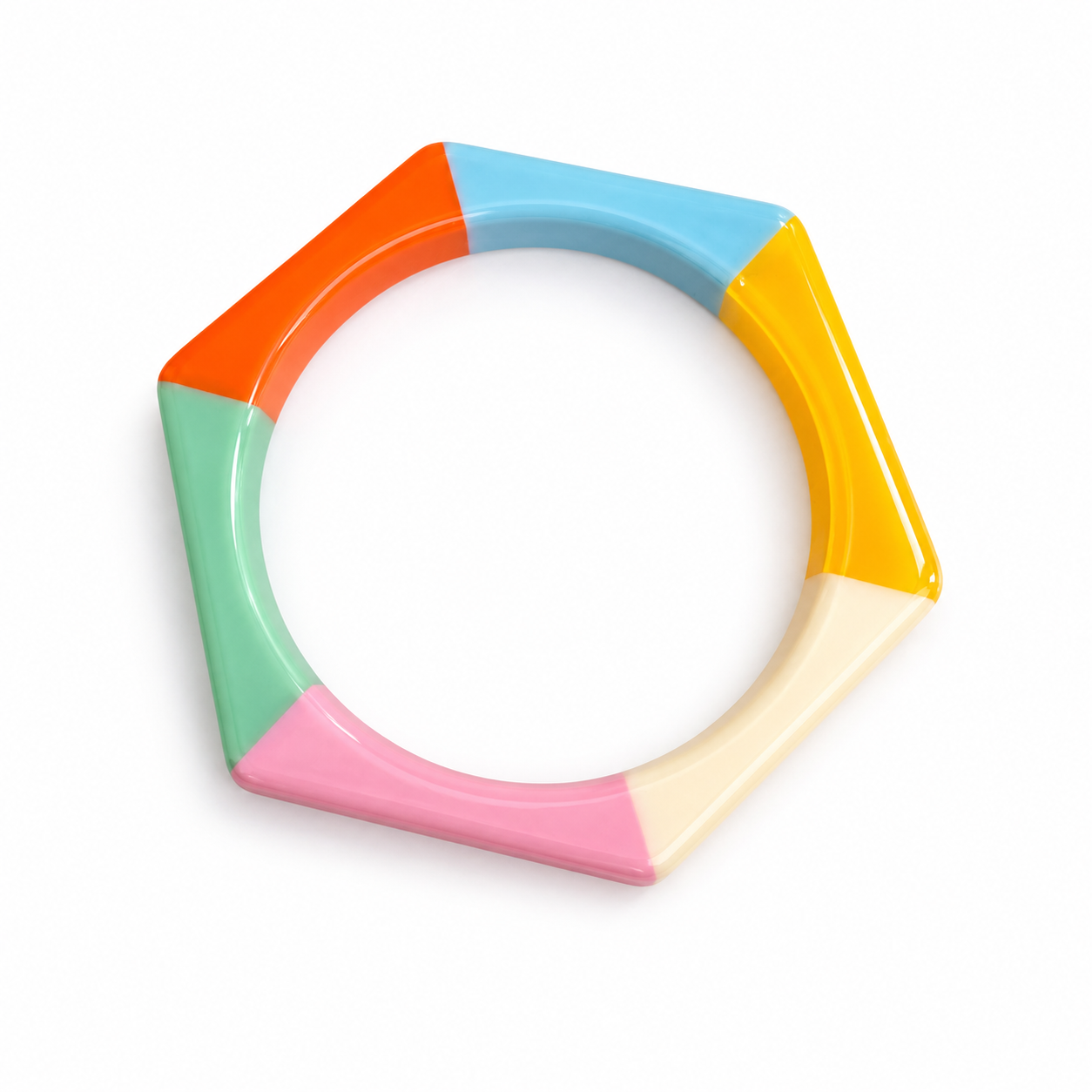


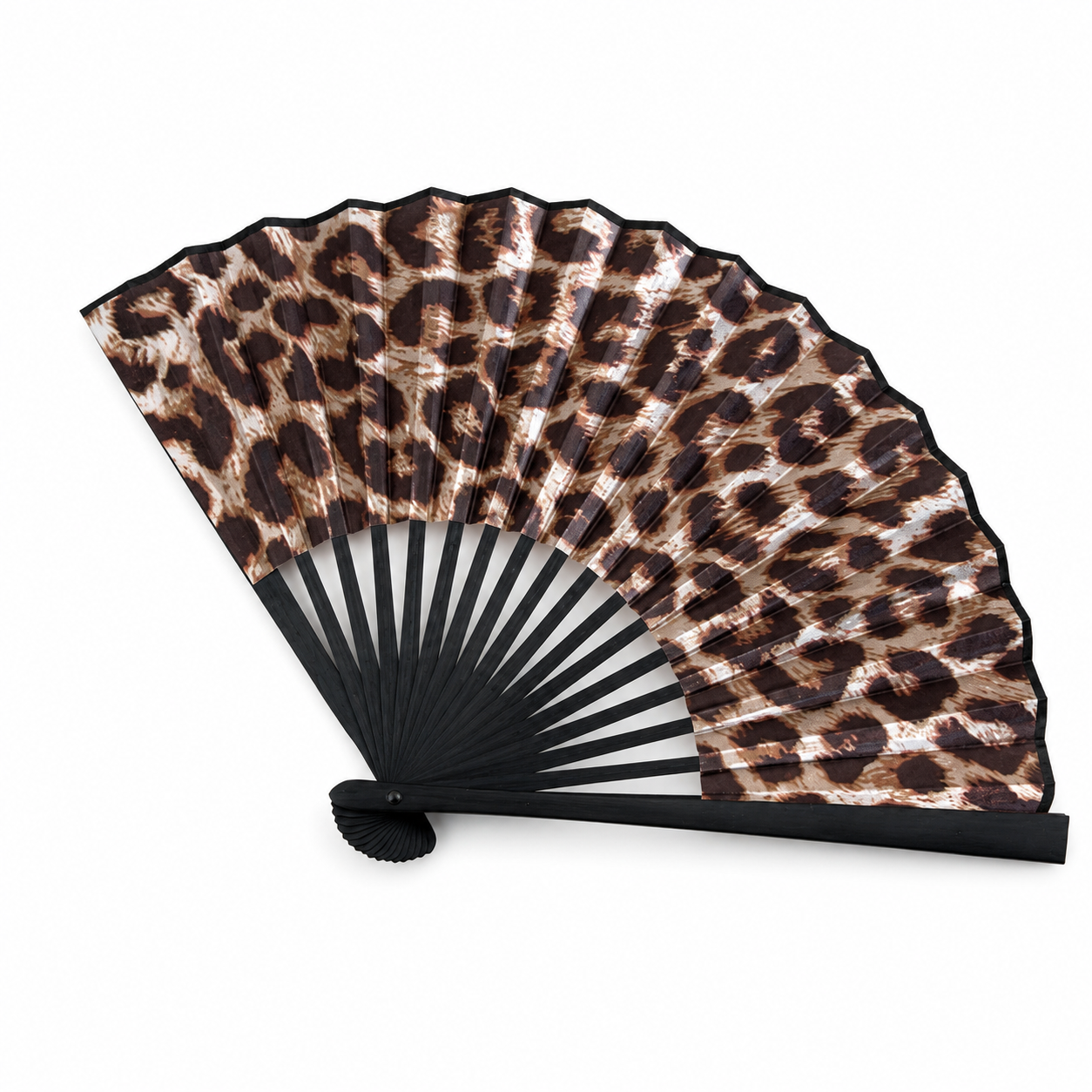
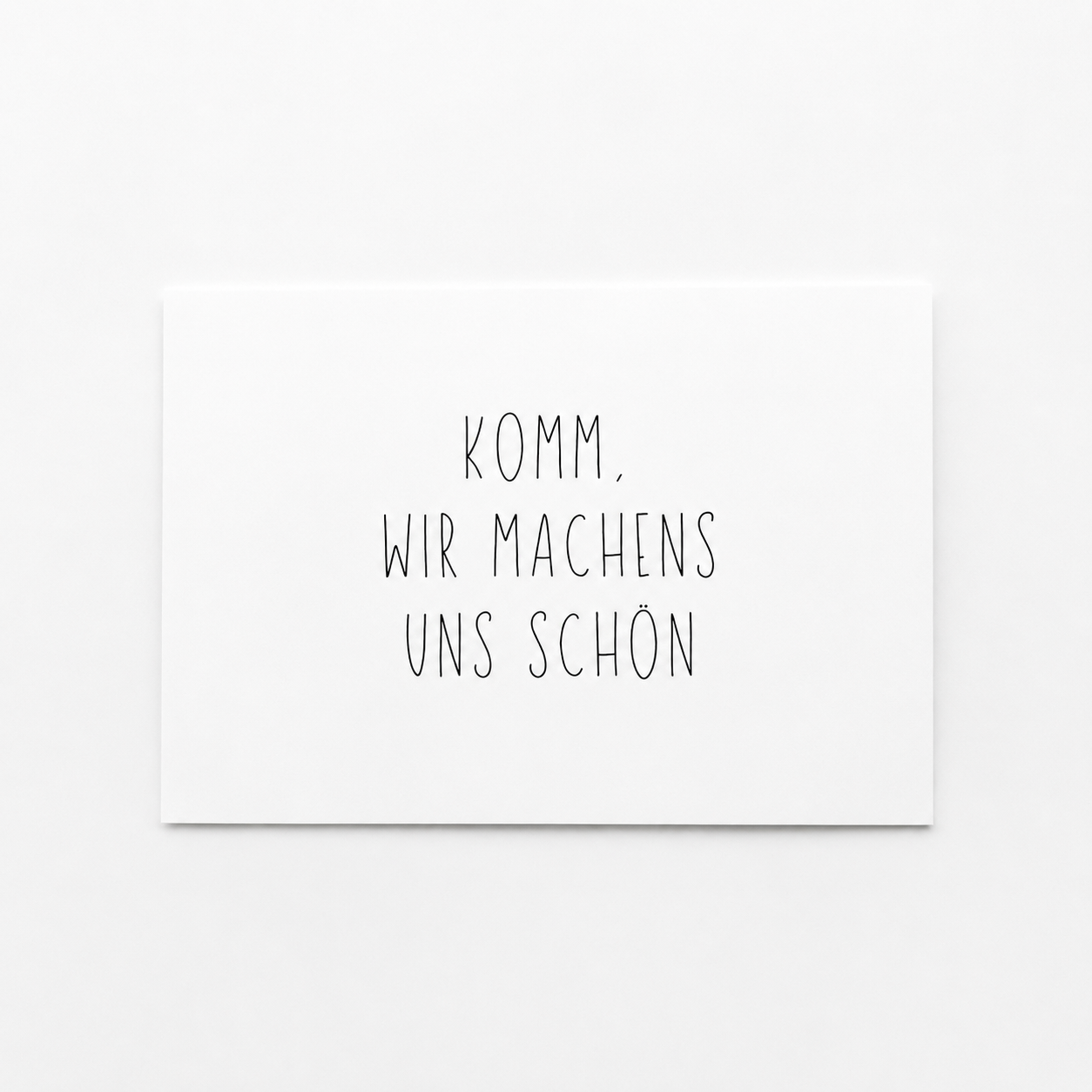


BESTSELLER







Trusted Voices
nice to meet you!
Hi, ich bin Hella – Gründerin von hella good.
Mein Weg führte mich von Rheine über ein Studium in Köln durch erste Jobs in Münster, bis ich merkte:
Ich will etwas Eigenes schaffen, das wirklich zu mir passt. Die zündende Idee kam 2019 zufällig in einem kleinen Laden in Kanada – und ließ mich nicht mehr los.
Nur sechs Monate später - im Februar 2020 - eröffnete ich meinen eigenen Store.
Einen Ort für Inspiration, Kreativität und besonderes Einkaufen.


Wie wär's mit...

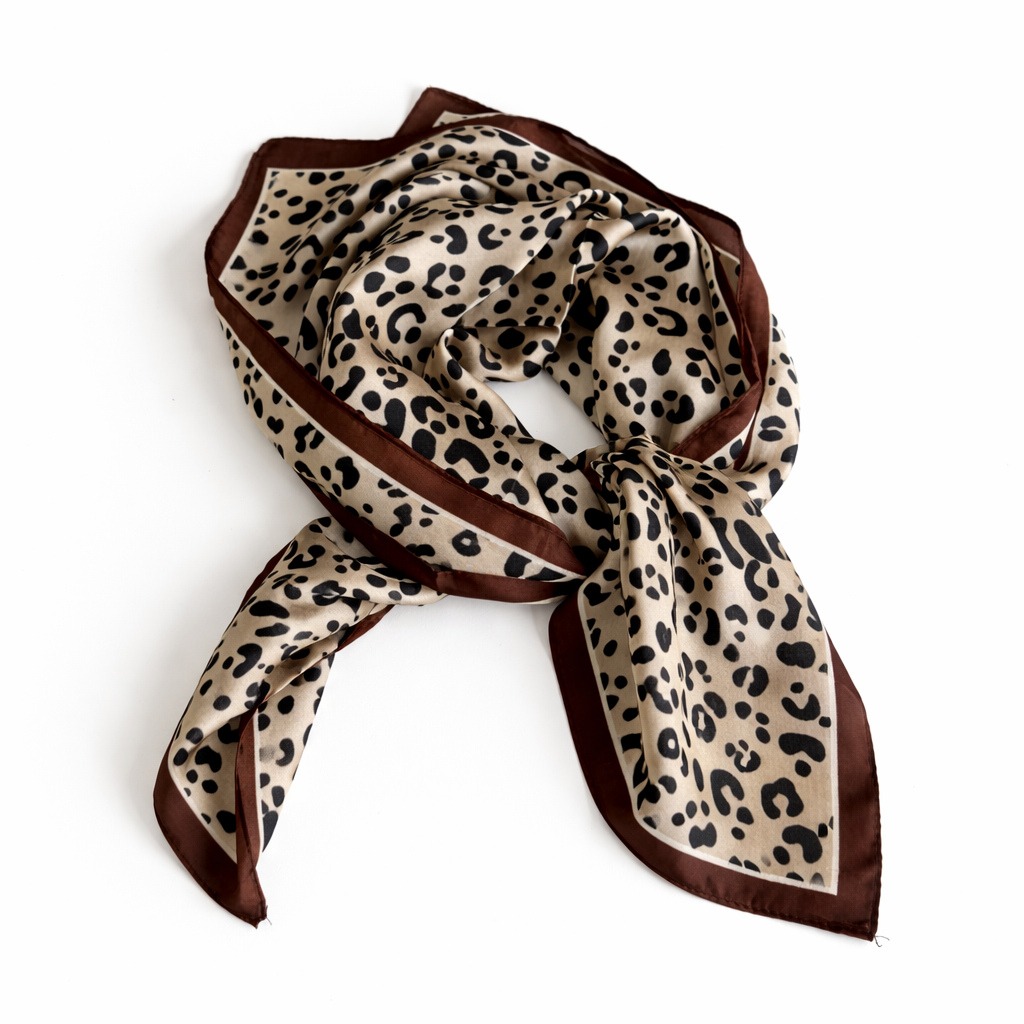
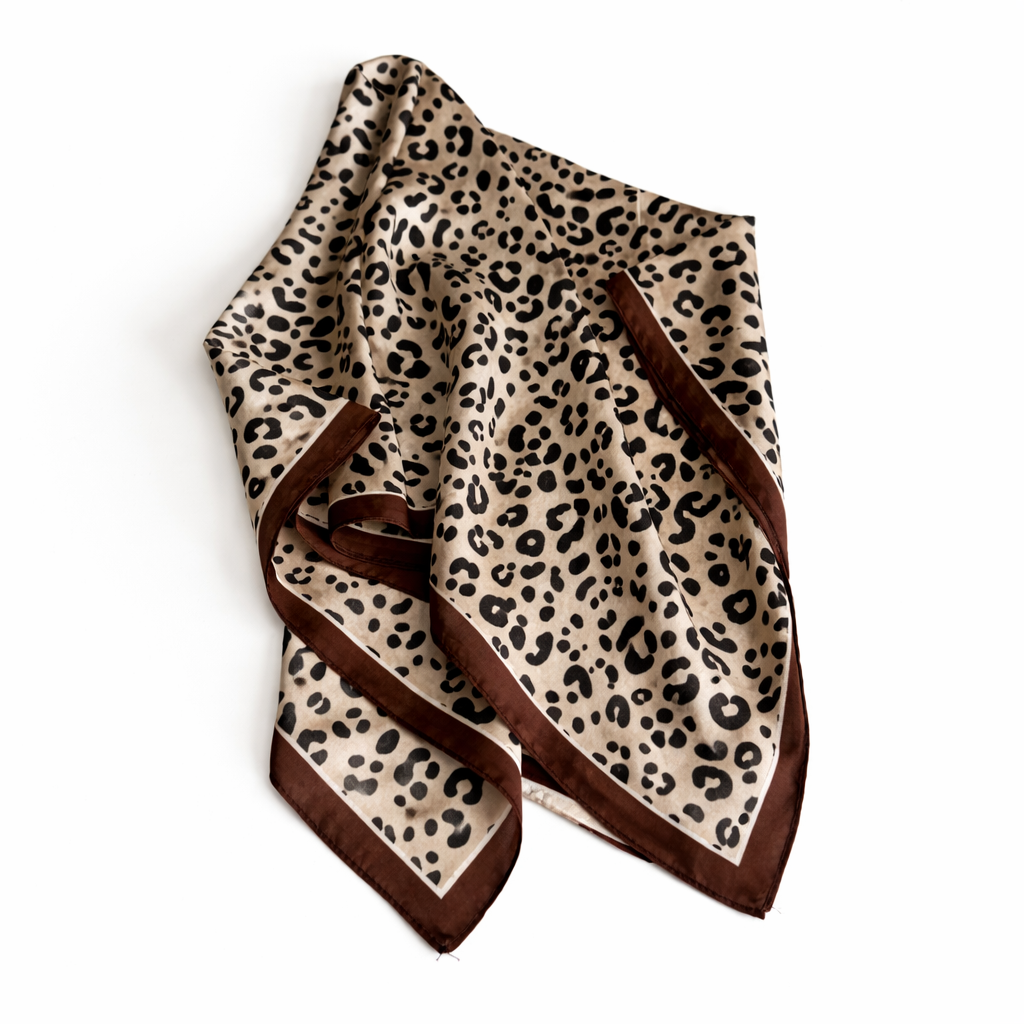
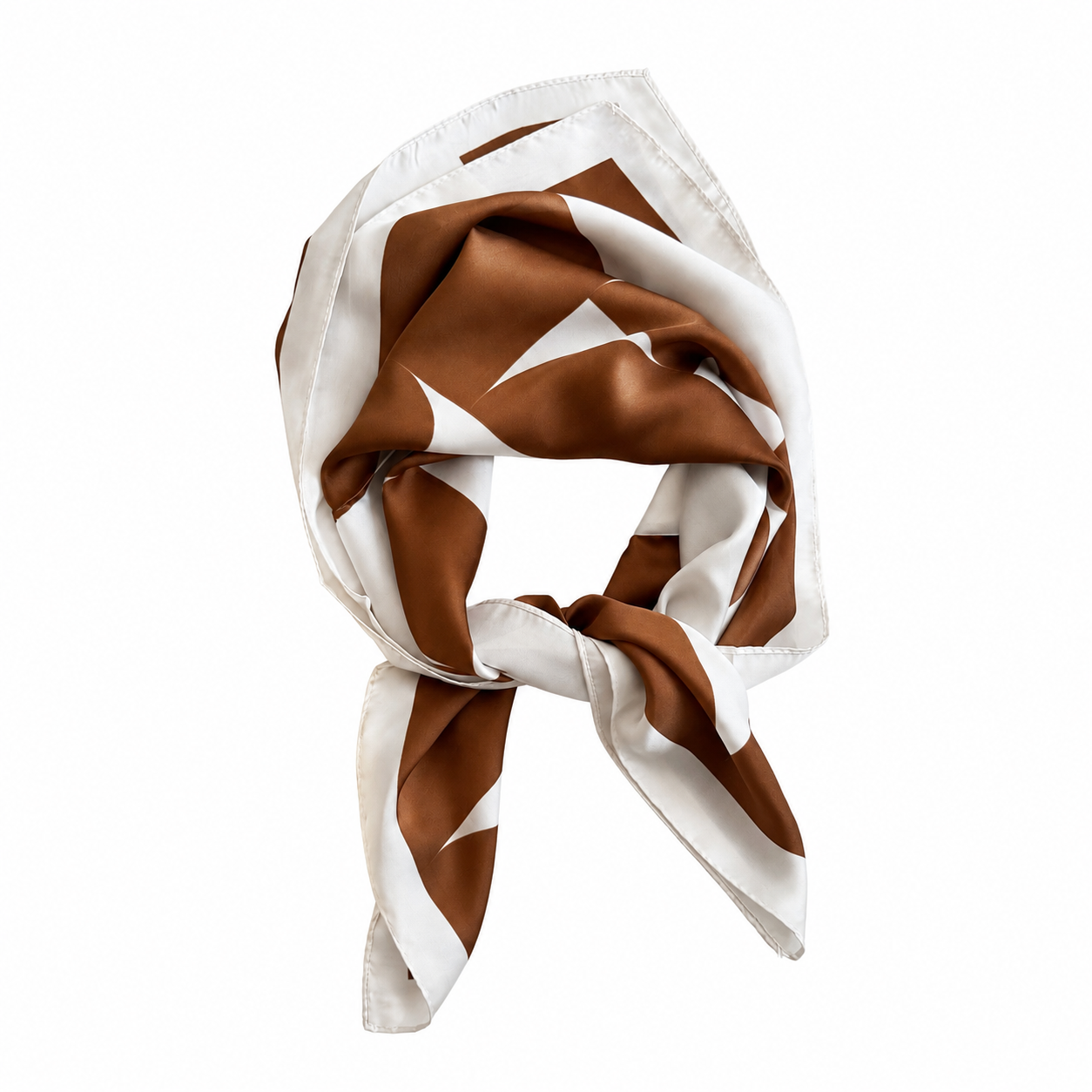
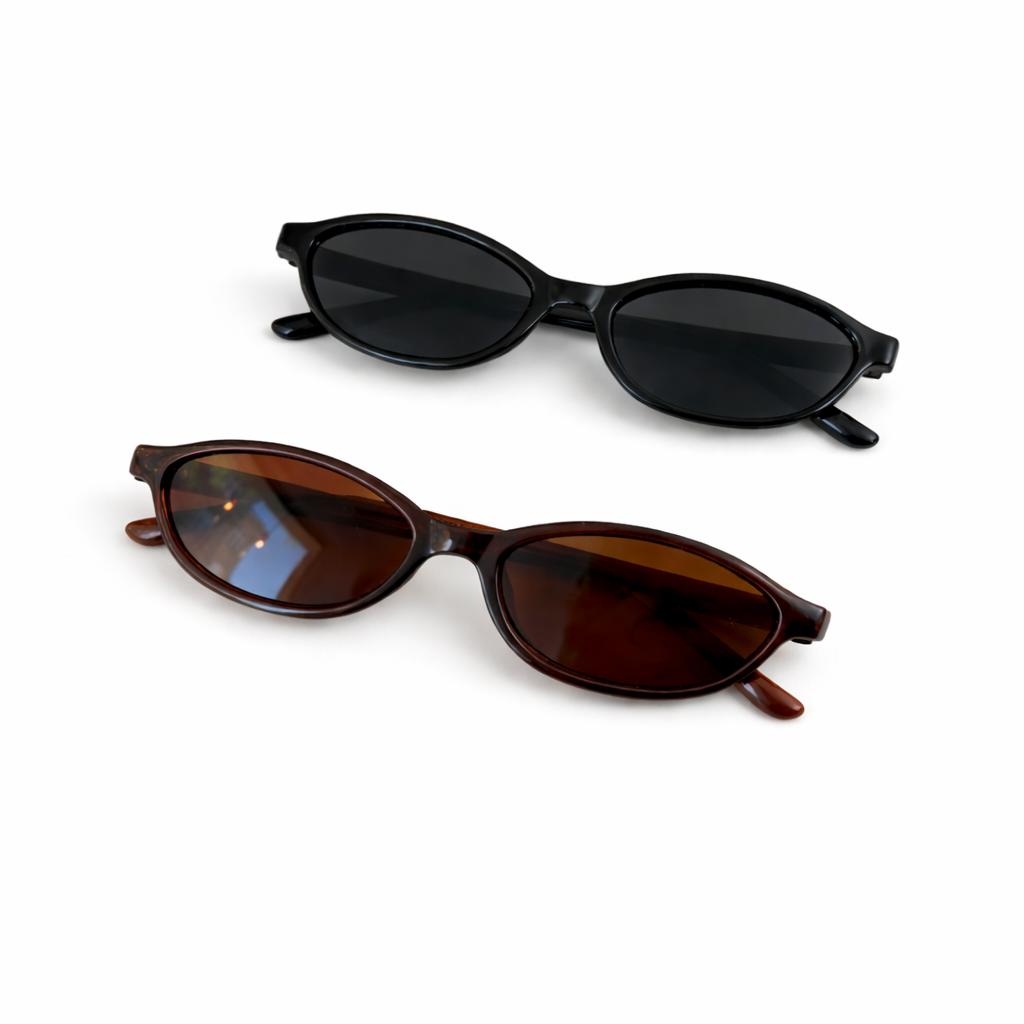
Bist du bereit für eine Prise Spannung und gute Laune? Dann ist unser Überraschungsprodukt perfekt für dich – eine clevere Mischung aus Freiheit, Zufall und hochwertiger Ware. Unsere Überraschung hat einen Mindestwarenwert von 15 EUR.
Warum das Überraschungsprodukt perfekt zu dir passt:
Vielseitig: Es kann aus jeder Kategorie stammen – von Schmuck über Accessoires bis hin zu Kleidung oder Papeterie.
Transparent wertvoll: Mindestwarenwert von 15 EUR sorgt für echten Mehrwert.
Spannend & nachhaltig: Du erhältst ein sorgfältig ausgewähltes Produkt, das Freude bereitet und zu deinem Alltag passt.
Perfekt als Geschenk: Ideal zum Verschenken oder um sich selbst eine Überraschung zu gönnen.
Abholung von hella good cologne möglich
Gewöhnlich fertig in 24 Stunden
Überraschung für Dich
hella good cologne
Lütticher Straße 54
50674 Köln
Deutschland